Overview
A self-hosted, offline-first, keyboard-first pull-request review client you run yourself.
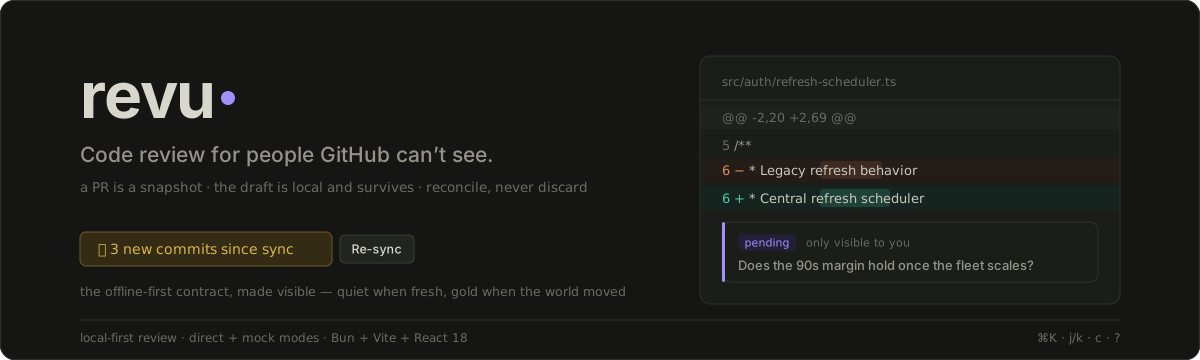
revu is a keyboard-first, offline-first pull-request review client you run yourself. Point it at a repository you have cloned and it pulls the PR — diff, files, threads, commits, checks — down in one sync burst, then lets you review with the network gone: expand context, read threads, jump files, write inline comments. Your review is a local draft that saves as you type and survives a restart. When you submit, if the branch moved since you synced, revu routes you through reconcile rather than throwing your work away.
What it is
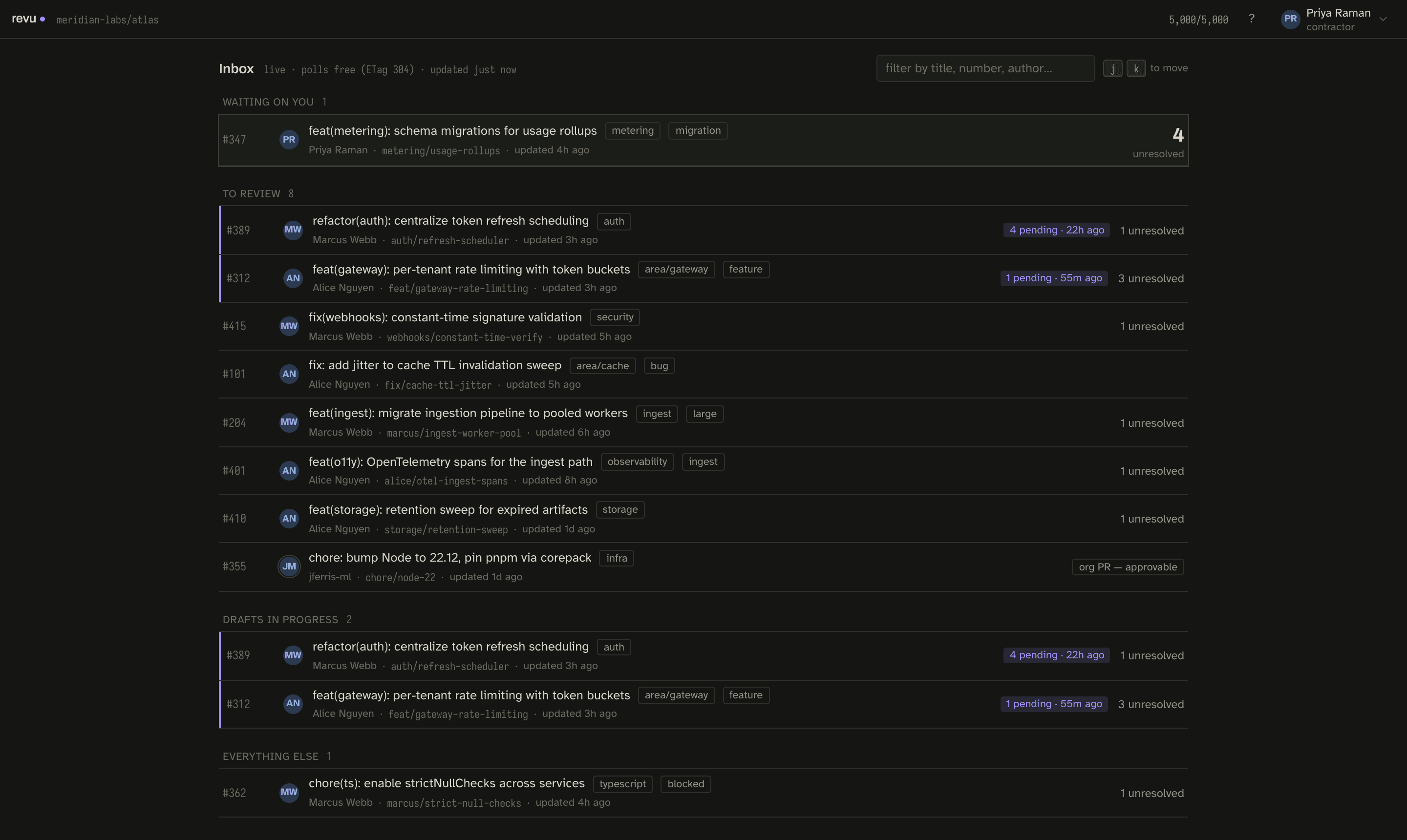
A PR is treated as a snapshot: one sync fetches the diff, files, threads, and commits, and everything after that works locally. Only the PR list keeps polling — cheaply, on ETag 304s. That single decision is what lets review keep working when the network is gone and what keeps a shared rate budget from being burned by browsing.
Your draft is not GitHub's single server-side pending review. It lives in a durable local store keyed to you, saved as you type (debounced, flushed on tab hide), and a restart loses nothing. The draft is deleted from disk only on a confirmed submit success. If the head moved between sync and submit, reconcile classifies every pending comment as clean, drifted, or lost and makes you decide each one explicitly — nothing is ever silently discarded.
Comment is the primary action. Approve and Request-changes are gated per-PR; where they are not available the UI tells you what to do instead of graying out a dead end.
Who it is for
revu was built for the hardest version of the problem: contractors reviewing a client's private repositories from disposable cloud workspaces, where every API call authenticates as one shared identity and there is no github.com tab to fall back to. The constraints from that setting — a shared rate budget, drafts that must outlive the session, comments anchored to a commit that can move, an approve action that is not always yours to give — are encoded in the product rather than smoothed over, and they make the general-purpose tool better too.
You do not need that setting to use revu. If you review pull requests on repositories you have cloned and you want a fast, dense, keyboard-driven client that keeps working offline and never loses a draft, direct mode is for you.
The three modes at a glance
revu selects its mode from REVU_MODE (or an equivalent flag). Every mode serves the same
frontend against the same RevuApi contract.
| Mode | Status | What it is |
|---|---|---|
| Mock | Shipped | In-browser fixtures shaped exactly like GitHub REST/GraphQL. The permanent demo mode and semantics oracle — forced with ?mock=1, always available in any build, never deleted. |
| Direct | Shipped | revud --direct (or REVU_MODE=direct). Talks to real GitHub authenticated as the gh user; drafts, snapshots, and viewed state persist to a local SQLite store. The general-purpose, local-first tool. |
| Broker | Reserved | The shared-identity deployment for teams in disposable workspaces: a host injects a short-lived token and writes are stamped and journaled per human. Designed and documented, not yet a shipped boot option. |
Broker mode is planned, not runnable. Only mock and direct modes boot today. See Run modes for the full picture and Broker for what is reserved.
How it works
The React app reads and writes through exactly one interface, RevuApi. In the browser it
binds an in-process mock; over HTTP it reaches revud, a single Bun daemon that serves
the built app and the API on one loopback port. Inside revud, one shared core — sync
engine, snapshot store, draft store, and re-anchor logic — is wrapped by two injected
strategies: a token source (where the GitHub token comes from) and a write decorator (how
identity is stamped on the way out, if at all). A run mode is just a pair of those
strategies plugged in around a core the mode never forks.
The mock is not a stub that gets deleted later. revud's own mock mode reuses the app's
mock adapter over HTTP, and a cross-transport conformance suite holds every adapter — mock,
direct, broker — to the identical RevuApi semantics. The full picture is in
Architecture.
Get started
The fastest path is two commands: run the in-browser mock, then point revud at a real
repository in direct mode. It takes under five minutes.
- Quickstart — install Bun, run mock on
:5173, then direct mode on:4780. - Direct mode setup — repository override, port, token scopes, and the durable data directory.
- Concepts — snapshots, drafts, reconcile, the compare key, the rate budget, and identity.
- Keyboard map — the shortcuts; press
?in-app for the full sheet.