Writing inline comments
Select lines, write inline comments into your local draft, and let them save as you type.
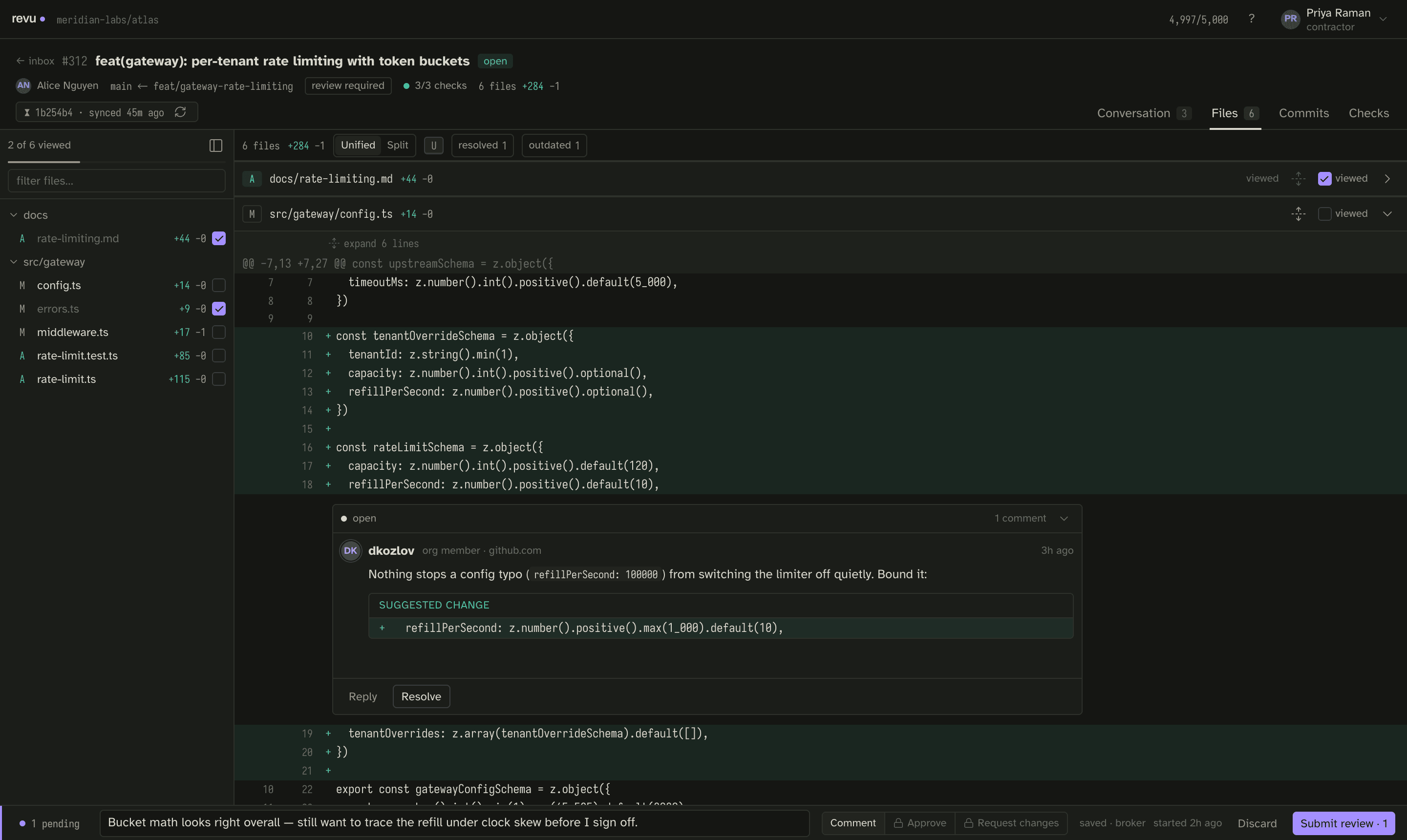
Your review is a local draft. Every inline comment you write goes into that draft, saved as you type and held in a durable local store — it survives a restart, and in a workspace it survives a rebuild. Nothing is sent to GitHub until you submit.
Follow along in mock mode with fixture #312 — a mid-review PR that already carries resolved and outdated threads, a suggestion block, a deep reply chain, and a seeded draft.
Write an inline comment
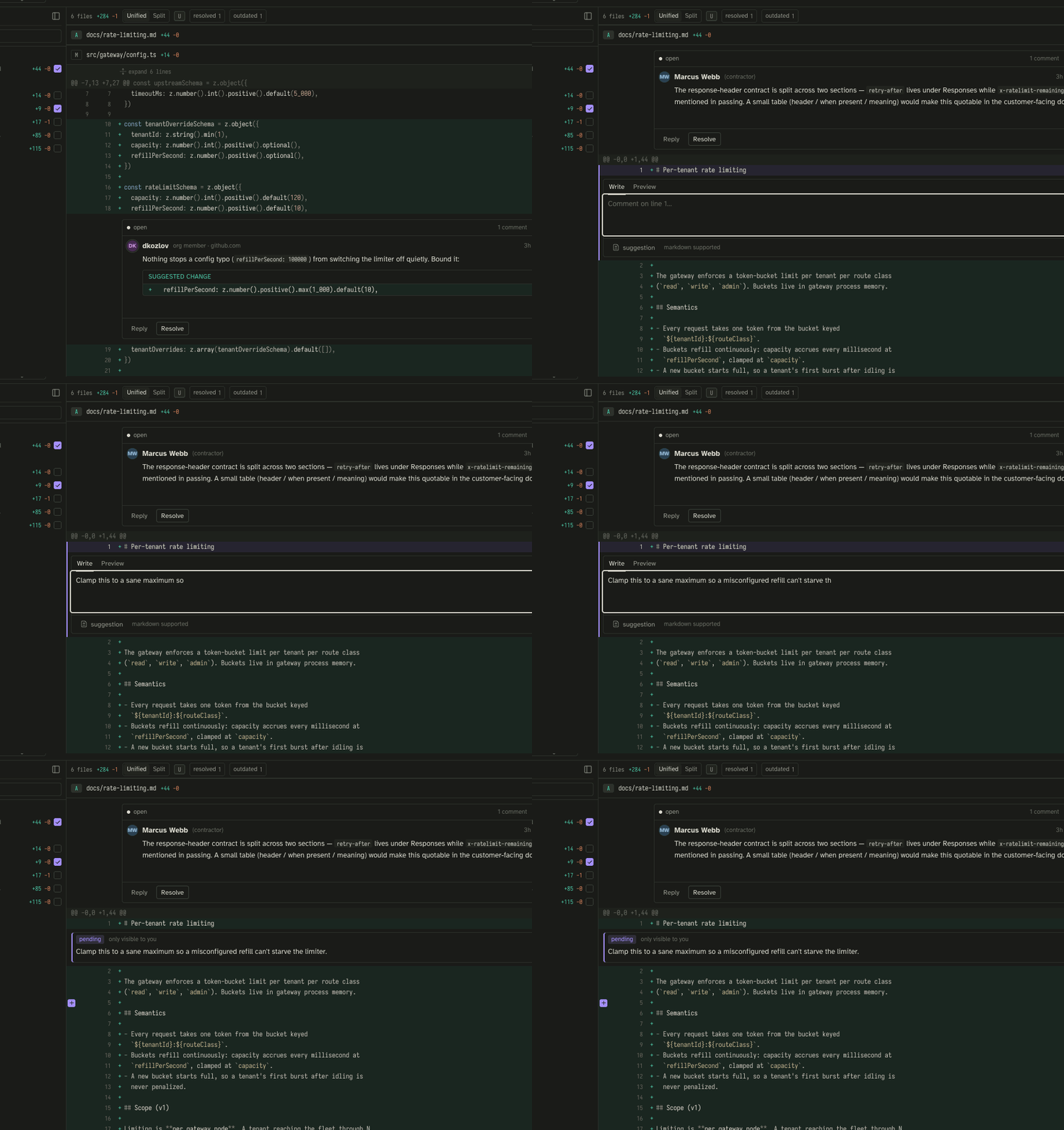
- Open a file on the Files screen and find the line you want to comment on.
- Focus the line and press
cto comment on the focused line, or click into the gutter. - Type your comment. Select a range first to attach a multi-line comment across those lines.
- Move on. The draft saves automatically — there is no separate "save" step.
Reply to an existing thread
Sync also brings down existing review threads. To reply, focus a thread and press
r, or use the Reply action on the thread. Replies post as single inline
comments on the existing thread. Use n / p to jump between threads, and x
to resolve or reopen one.
In direct mode a reply posts to GitHub as your real account. In the reserved broker mode it would post under the shared bot identity, stamped with your name — but broker mode is not runnable today.
Add a suggestion
A suggestion block proposes an exact replacement for the lines a comment is
attached to — the same suggestion fenced block GitHub renders as an apply-able
diff. Fixture #312 includes one so you can see how it reads inline: the
proposed change shows against the original lines, and the author can apply it
directly.
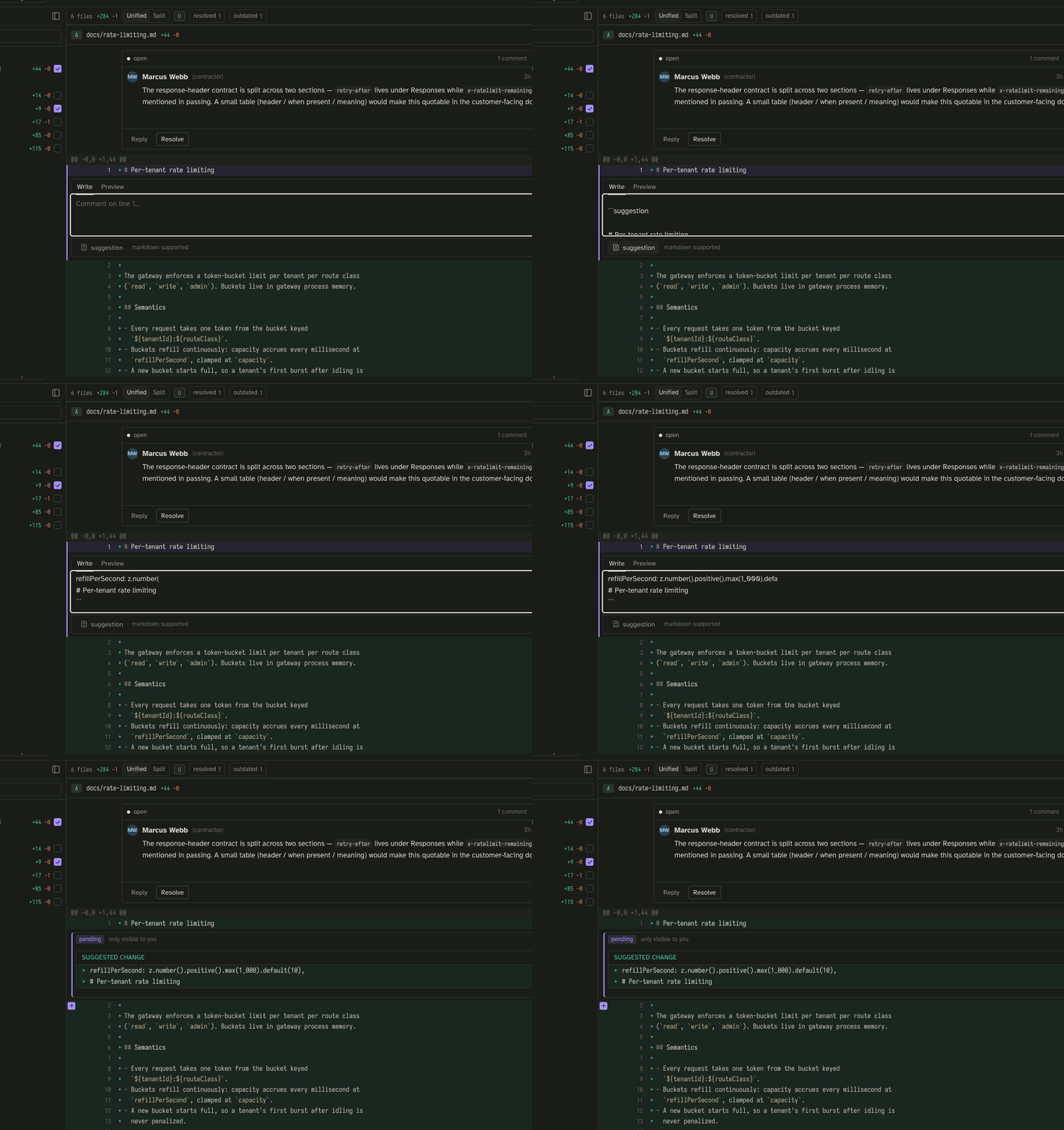
Write a suggestion the way you would on GitHub — a fenced block tagged
suggestion containing the replacement lines:
```suggestion
refillPerSecond: z.number().positive().max(1_000).default(10),
```
The composer has a suggestion affordance that seeds the fenced block with the line you are commenting on, so you edit a copy of the real code rather than retyping it:
Drafts save as you type — the honest caveat
Saving is debounced at 600ms, with a flush when the tab is hidden. That means a restart loses nothing you have paused typing on. The one edge: a hard crash inside the debounce window can lose up to the last fraction of a second of typing — at most 600ms. A draft is deleted from disk only on a confirmed submit success, never before.
For the full model — where drafts live, how they are keyed, and why they outlive the session — see Drafts.
Next
When the draft says what you want it to say, submit the review as Comment, Approve, or Request changes.